Import a recipe from a screenshot into Clove
Import from screenshots
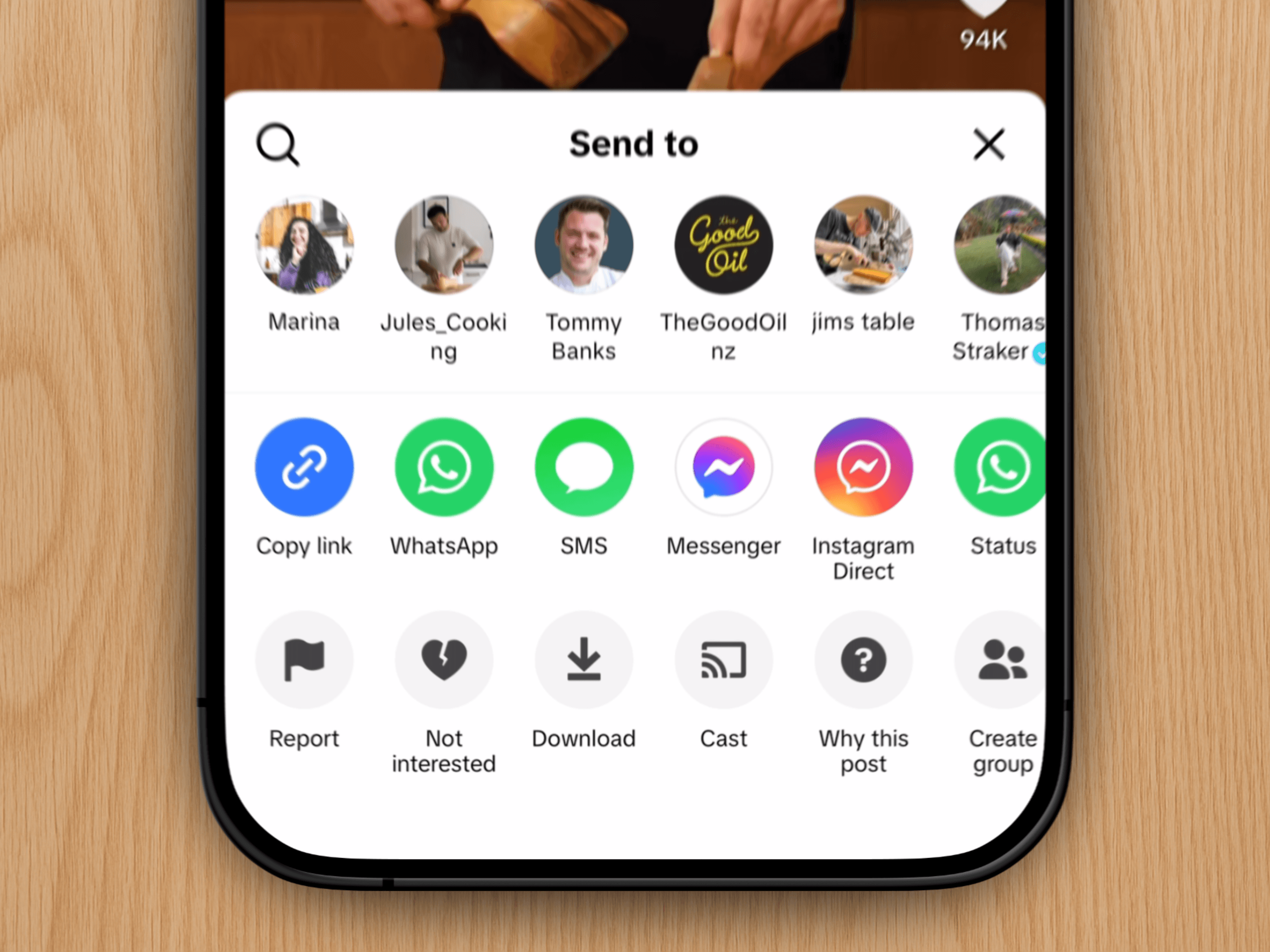
Sometimes Clove can't fully read a recipe from a website or social media post – it happens. But if the recipe is written out somewhere, you can take a quick screenshot and import it instead. Takes just a few seconds.
Step-by-step
Take a screenshot of the recipe. If it's long, grab multiple screenshots.
Open Clove and tap the "+" button
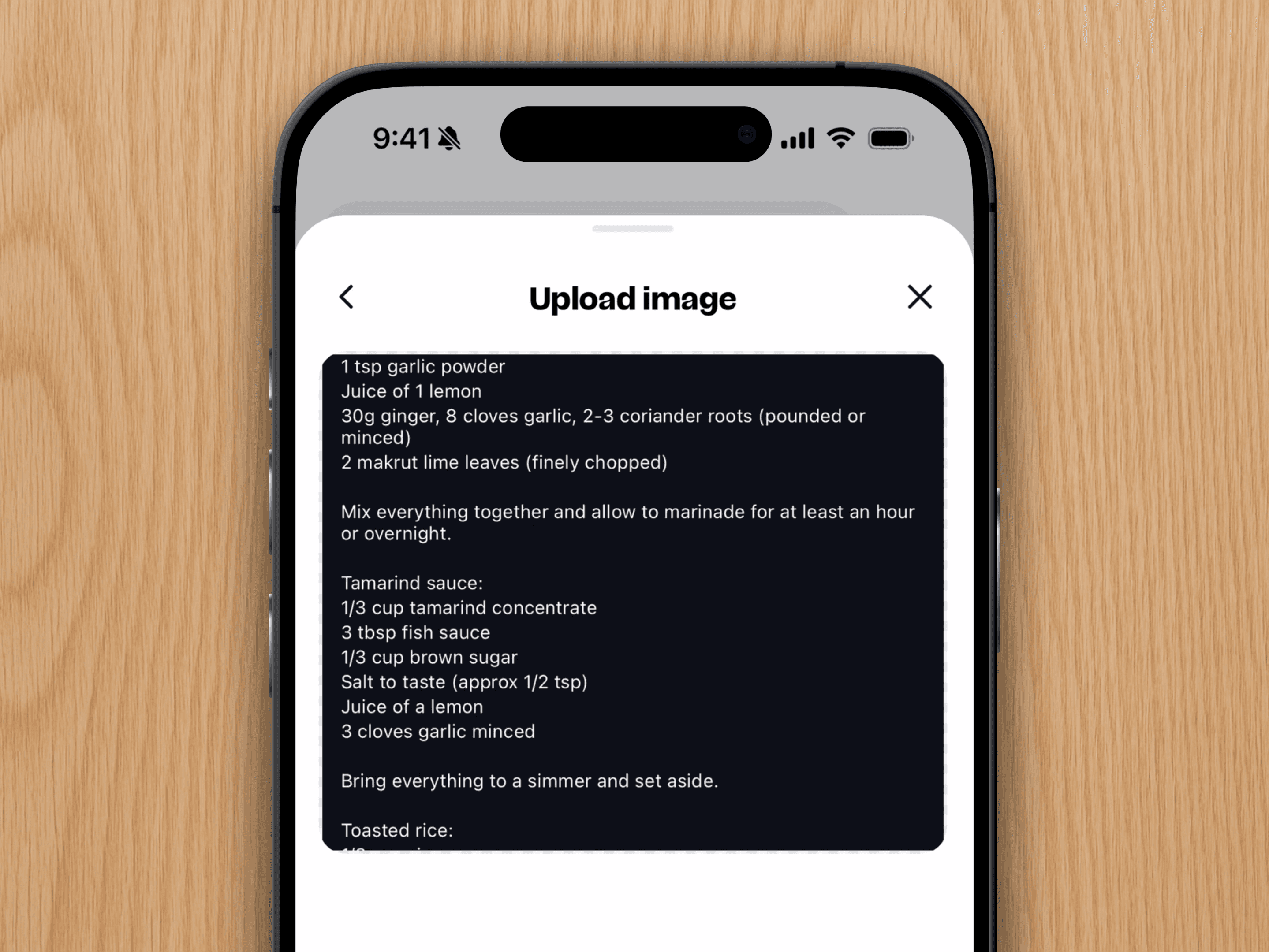
Select "Image" and upload your screenshots
Tap "Import"
And you're done. Your recipe is now saved in Clove, ready to cook whenever you are.