Import a recipe from an image into Clove
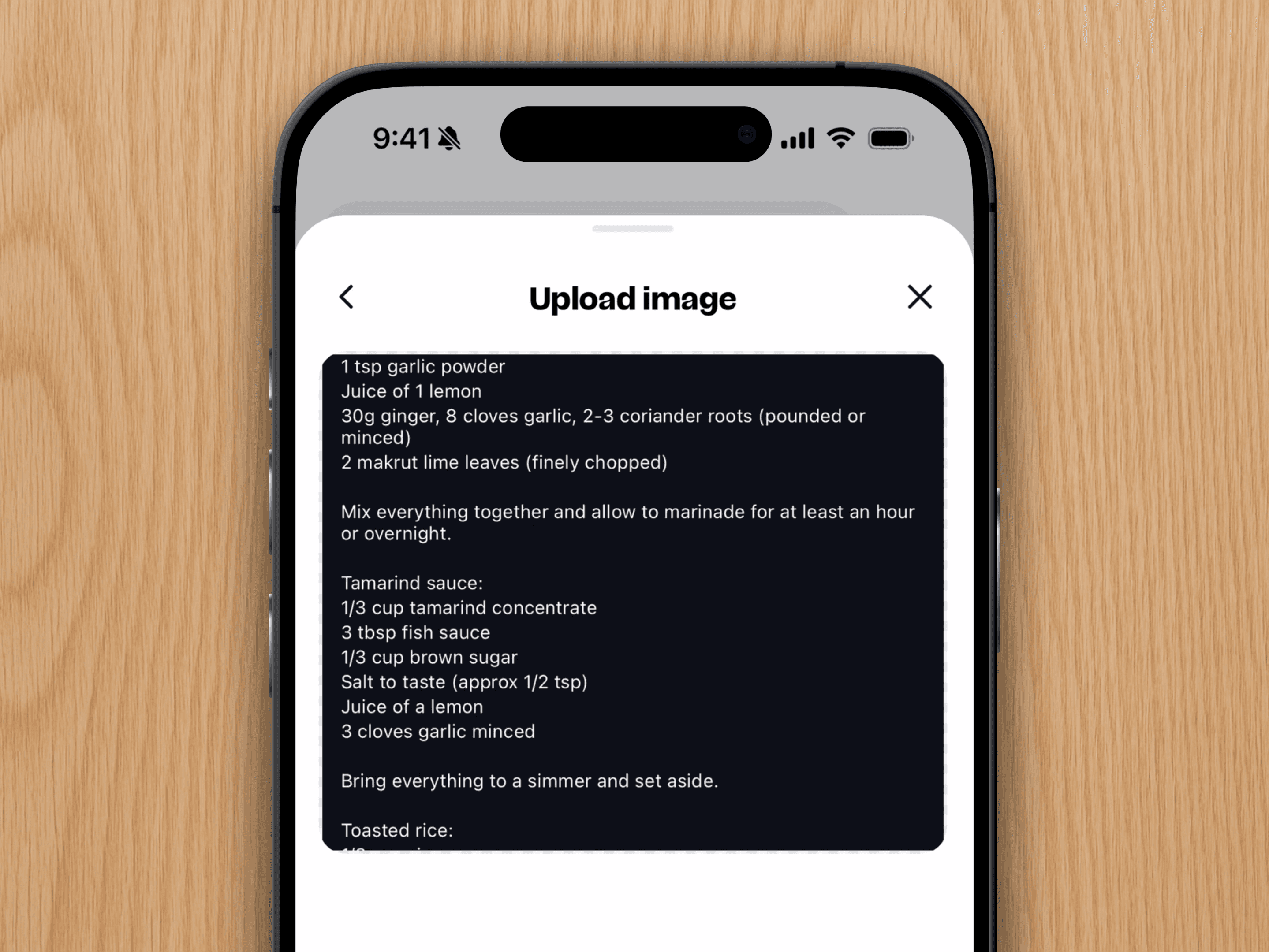
Got recipes saved as photos? Maybe they're screenshots in your camera roll, or old family recipes printed out on paper. Either way, Clove can turn them into organized, searchable recipes.
You can import up to 5 images at once, here's how to do it.
Open Clove, tap the + button, then select "Image" Choose from Library.
Select up to 5 images in the order you want them to appear.
Tap Import to save your recipe.
Quick tip: The order you select images in determines how they'll appear in your recipe. Choose wisely.
That's it. Your recipe photos are now a proper, searchable recipe in Clove.