Import recipes from your notes into Clove
Whether your recipes live in your Notes app, Notion, or Google Docs, Clove makes it easy to bring them all together in one place.
Step-by-step
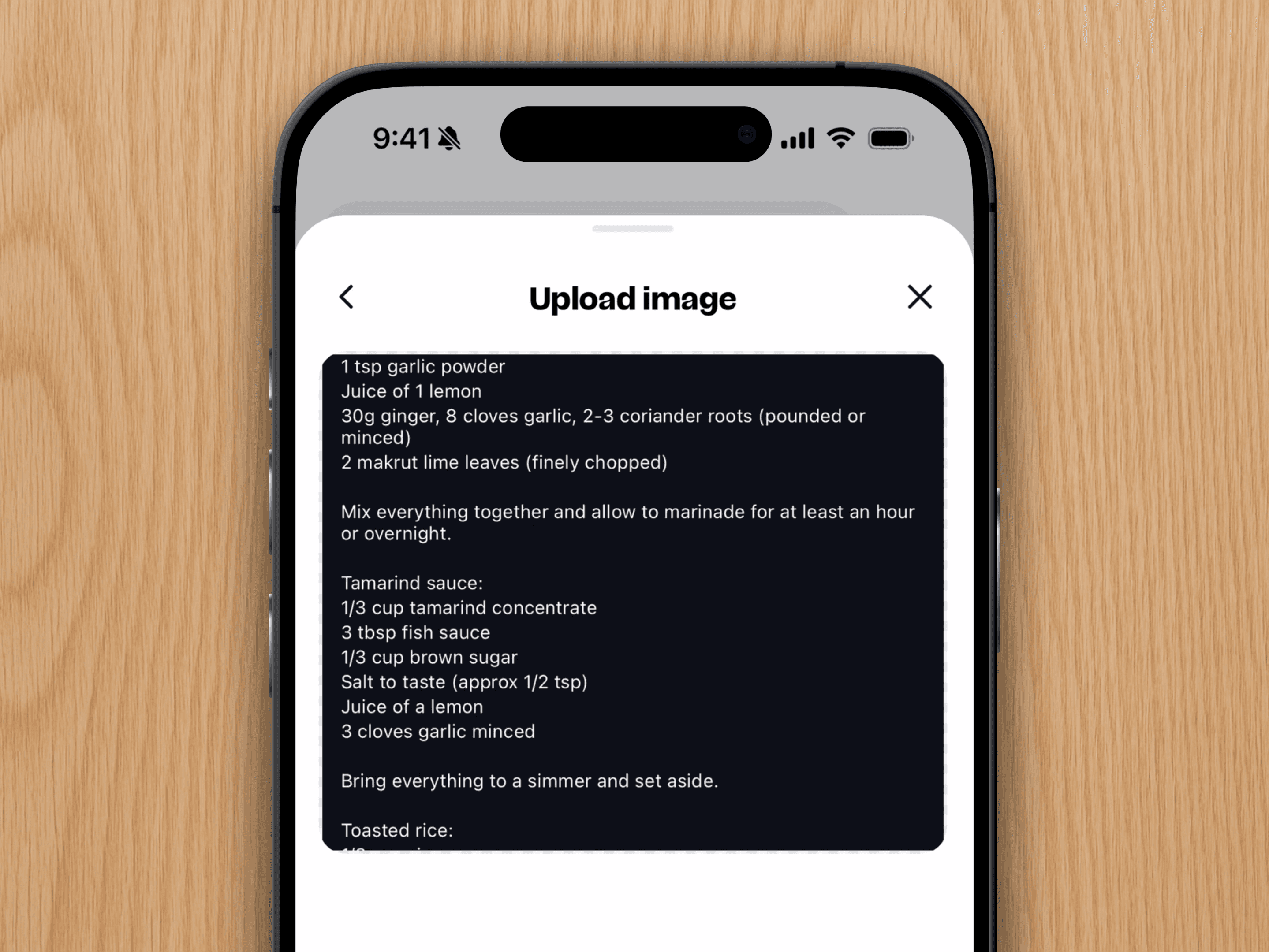
1. Copy the entire recipe text to your clipboard.
2. Open Clove, tap the + button, and choose "Text".
3. Paste your recipe into the field.
4. When it looks good, tap Import in the top-right corner.
Quick tip: For best results, make sure each ingredient and instruction is on its own line. This helps Clove organise everything properly. That's it. Your recipe is now safely stored in Clove, ready to organise, cook, and share.