Import recipes from YouTube into Clove
Love following recipes from YouTube chefs? Same. With Clove, you can save those recipes directly – no screenshots, no note-taking, no pausing and rewinding.
How it works
Clove looks for recipes in a few places:
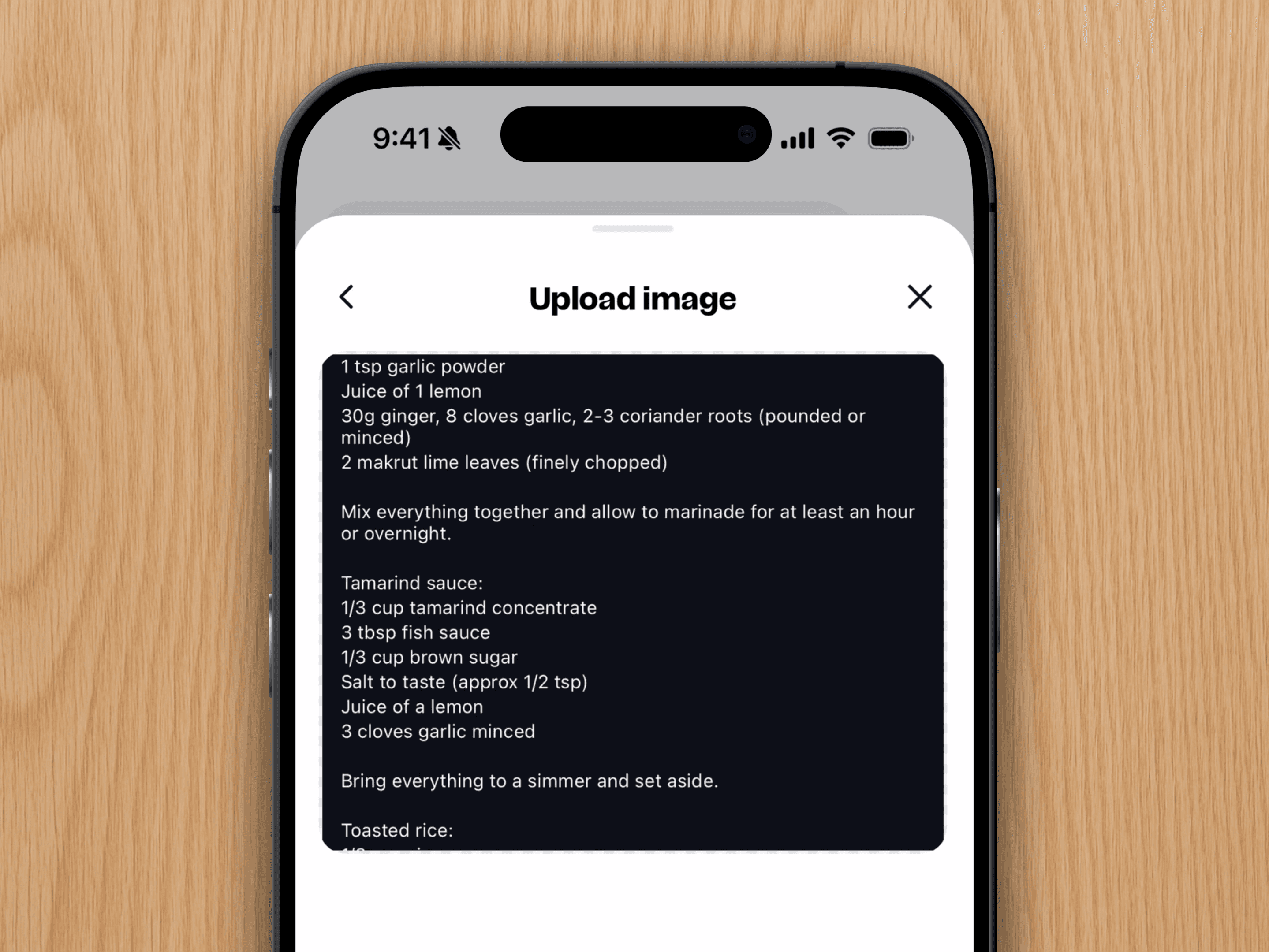
Video descriptions work best, if the recipe is written out there, we'll grab it right away.
If we can't find it there, Clove will try to locate the original recipe website and import from that page.
Still no luck? We'll make one more attempt to extract the recipe from the video's audio.
Step-by-step
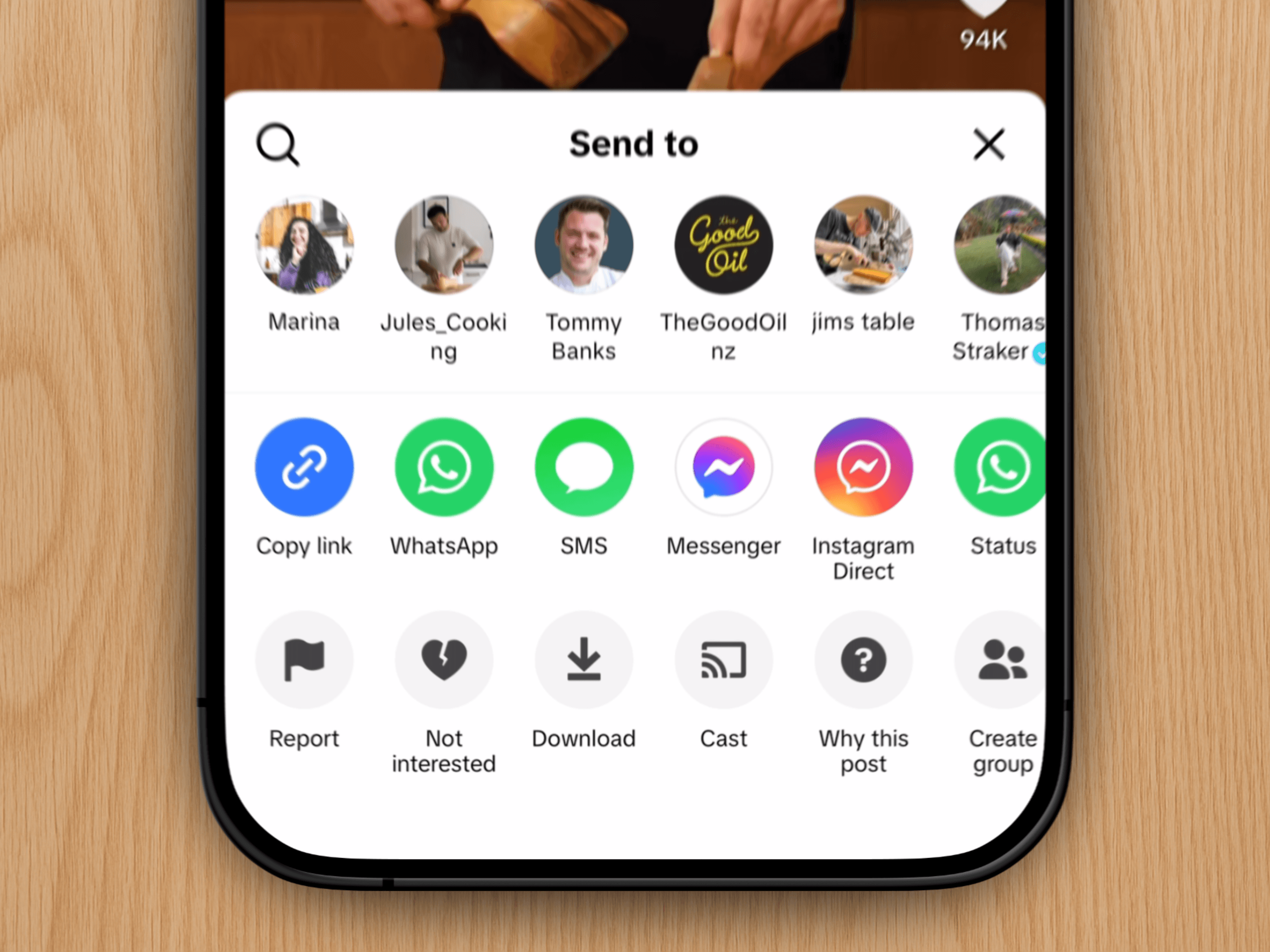
On any YouTube video, tap the Share button.
Scroll to the right and tap More.
Select Clove from the list of apps.
Don't see Clove in your share options? You'll need to add it to your shortcuts first.
And you're done. Your recipe is saved in Clove, ready for whenever inspiration hits.